Deploying Drupal to Production in 15 Minutes with DevPanel

Deploying Drupal to Production in 15 Minutes with DevPanel
Historically, deploying Drupal has been a pain. Spinning up a VPS, configuring environments, setting up a pipeline — all time consuming, monotonous, and not to mention expensive. Platforms like WordPress.com managed to bring the cost of ownership way down, but the Drupal world has always felt like an overhead nightmare. I covered a lot of this manual process in my Complete Guide to Drupal on Digital Ocean and while it works, it is a lot of steps for a simple site.
Slowly, this has been changing. We first got Acquia Cloud and Pantheon — upmarket, high price tags — and then the market has steadily worked down the value chain. Now we are getting great entry-level platforms like Drupito and DevPanel which simplify Drupal deployment hugely and even allow you to manage infrastructure you already own.
I have been diving deep on DevPanel and found it a breath of fresh air compared to the incumbents.
What is DevPanel?
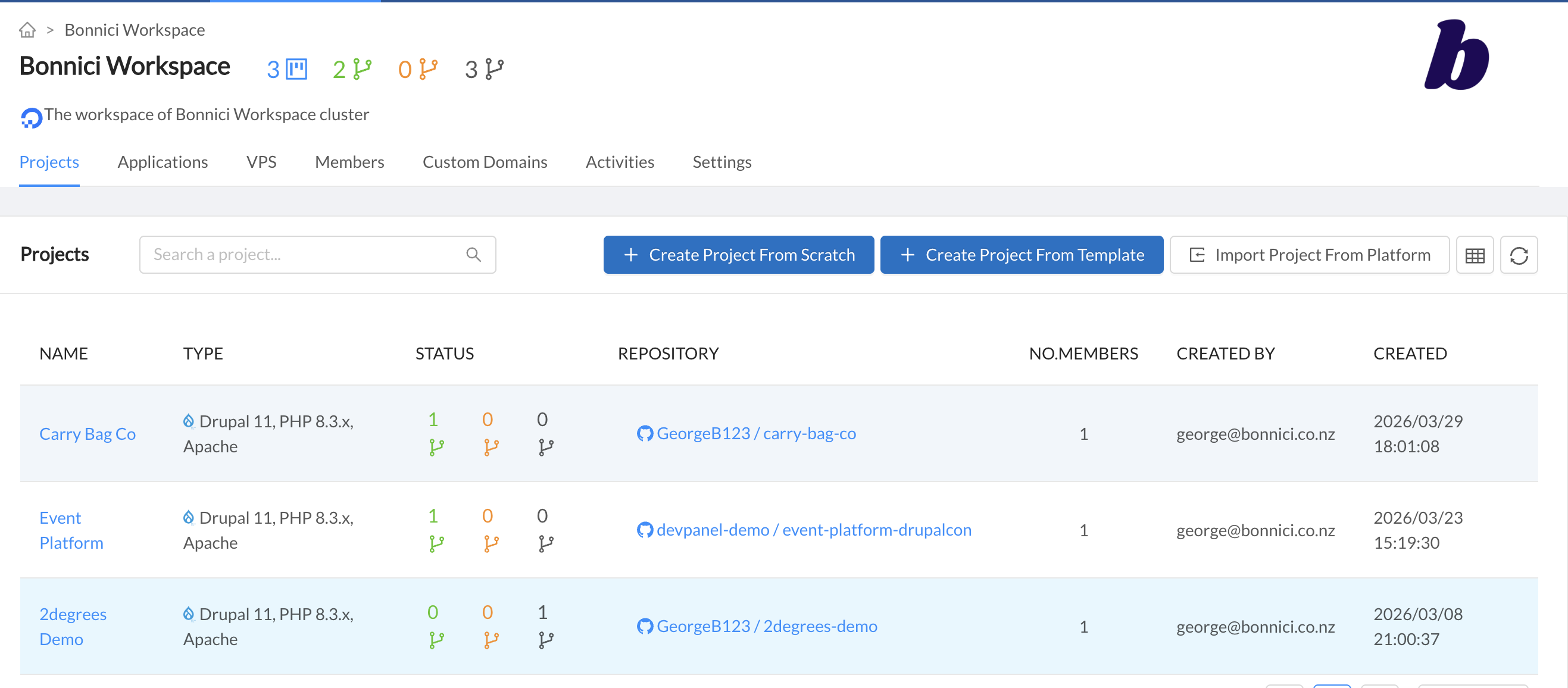 The DevPanel workspace gives you a birds-eye view of all your projects, environments, and resource usage.
DevPanel is an orchestration layer for deploying and managing Drupal sites on your own cloud infrastructure. The company runs on a free-to-use model — you can use their platform at no cost, and they charge for infrastructure consulting and services. This makes it brilliant for lowering the barrier to entry and lets you scale without needing dedicated DevOps engineers.
If you currently use Pantheon, consider that this level of functionality sits in the $500 USD per month plan. On DevPanel, it comes out of the box — the only cost is your own infrastructure (Digital Ocean, AWS, Linode, etc.), which you control and pay for directly.
Point, Click, Deploy
The ease of deploying new sites is what really got me. It is literally point and click and you have a site running in a scalable container in ten minutes. I have traditionally used Digital Ocean for most hosting (AWS sparingly), and DevPanel plugs in natively.
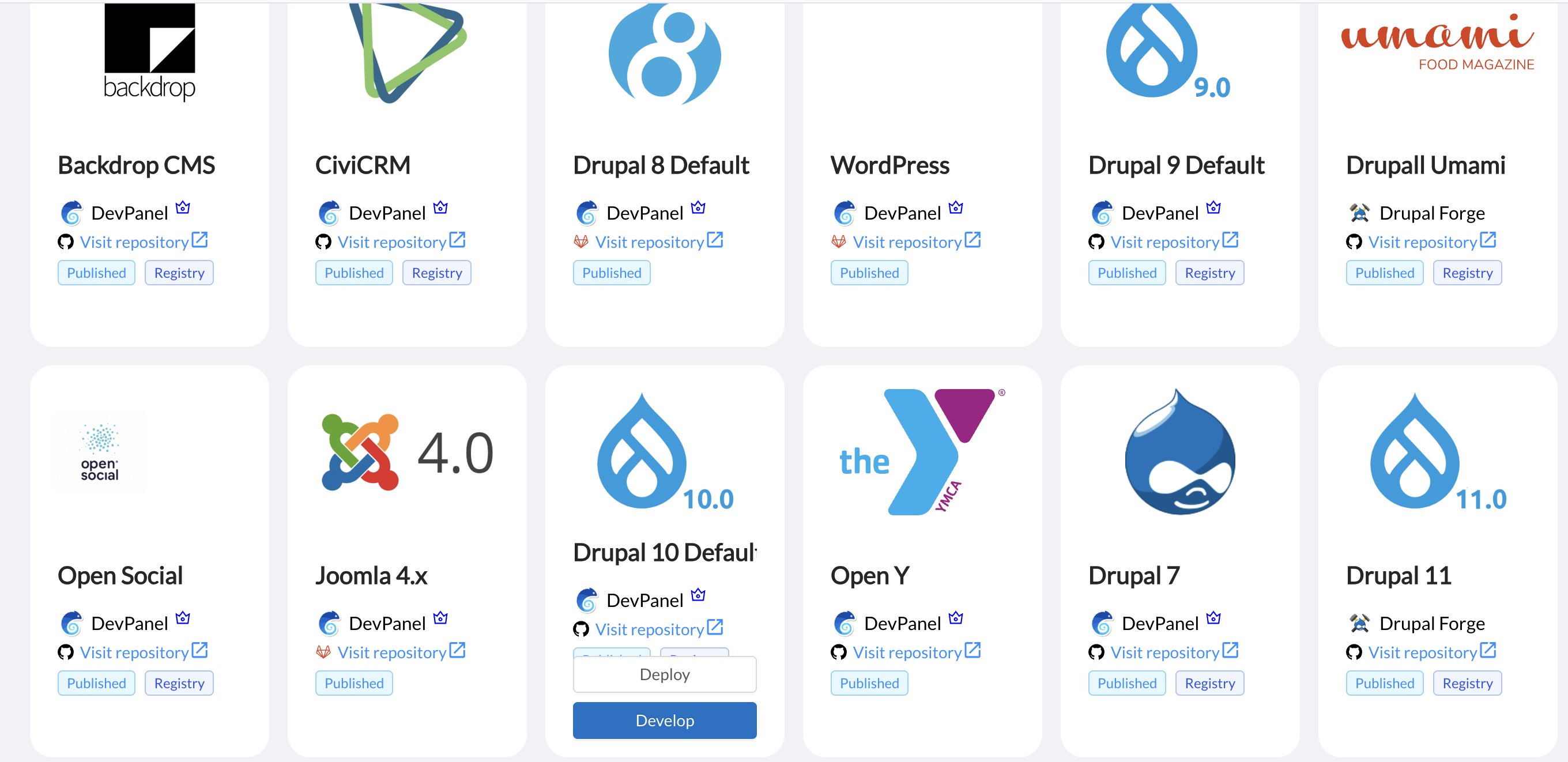 DevPanel offers a range of templates including Drupal 7 through 11, DrupalCMS, WordPress, and more — pick one and deploy.
DevPanel acts as the orchestration layer to deploy new sites, add resources, or even spin up cloud development environments. You can hook up a git repo and create proper pipelines. DevPanel has set up webhooks that git can natively work with, and this functions on any branch. You can spin up new cloud environments from new branches with point and click, and tear them down just as easily.
Auto-Scaling That Actually Works
One of my favourite features is the automatic scaling of resources. In DevPanel, you allocate a resource size — say 2GB RAM — per cloud container. This automatically scales depending on your available resources.
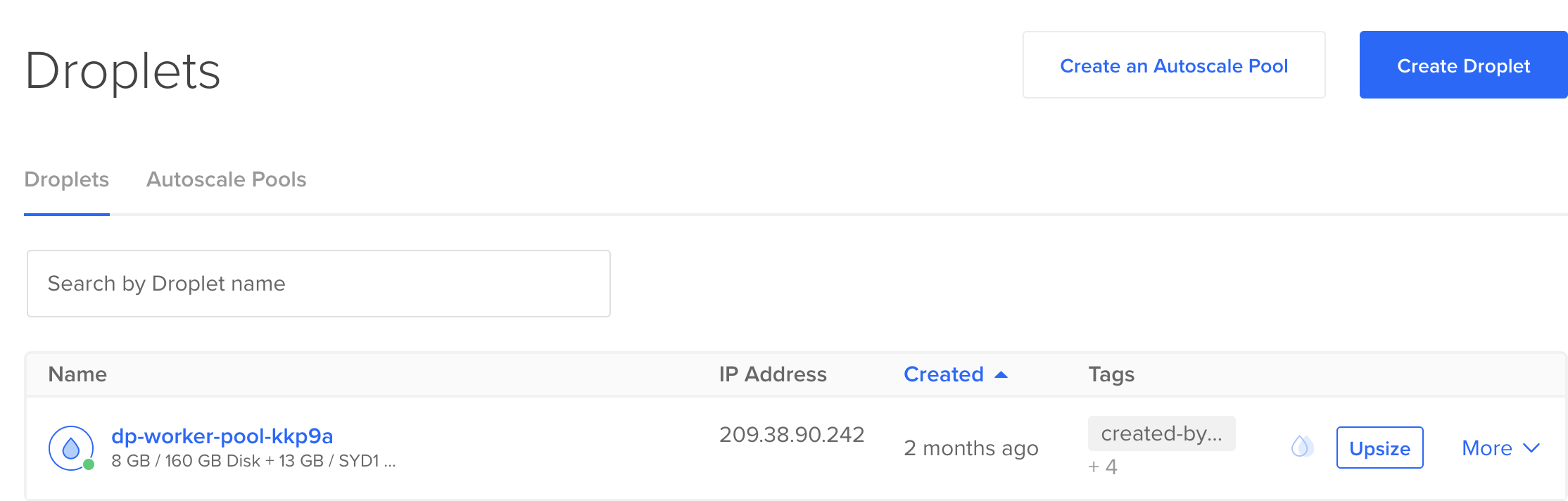 DevPanel automatically provisions and manages Digital Ocean droplets. Notice the worker pool naming — DevPanel handles all of this for you.
If you have an 8GB VPS running four sites and then add a fifth, DevPanel automatically spins up a new VPS to handle the overflow. I have never thought of DevOps as fun, but watching this happen automatically is genuinely satisfying.
What Else is Baked In?
Along with core deployment and scaling, DevPanel includes:
- Automatic backups — schedule and forget
- Auto spin-down of idle resources — saves you money on spot instances
- DNS management — configure domains without leaving the platform
- Cloud dev environments — jump in and configure your site through the UI, add modules, or make changes directly
I have been using DevPanel for a few months and have been solidly impressed, especially for a platform that is essentially free.
Getting a DrupalCMS Site Live
In terms of actually getting a site live, it looks something like this:
- Create a new project
- Choose "Create from Template"
- Select DrupalCMS and click deploy
- Walk through the configuration steps
- Hit deploy and wait
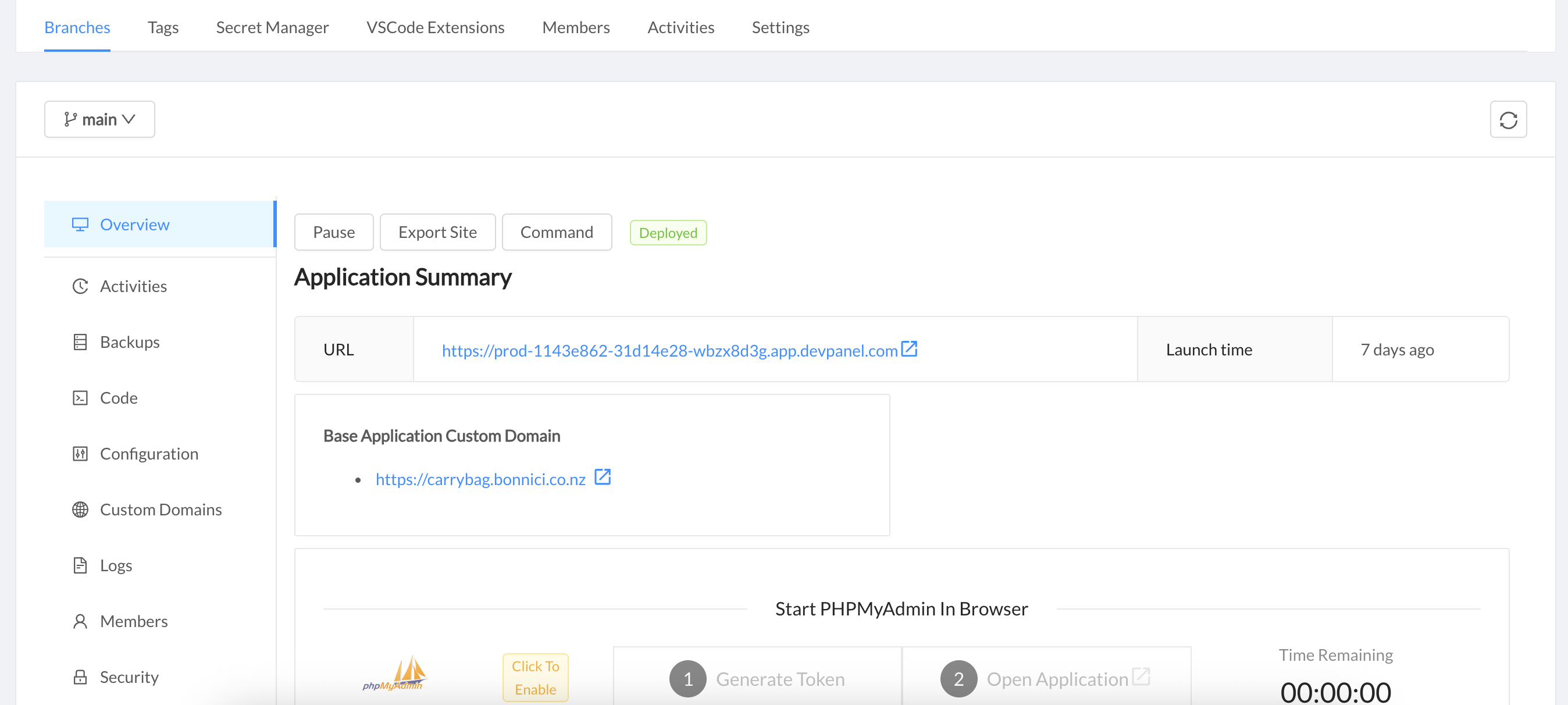 A deployed Drupal site with custom domain, backups, logs, and configuration all accessible from one place.
Really, that is all there is to it. Once you have completed the onboarding walkthrough and your cloud account is configured, you should see a shiny new site ready to go. Jump into the cloud dev environment, add a module, configure the site through the UI — it is all there.
What Are the Drawbacks?
Most of the drawbacks come from the natural abstraction of infrastructure:
- Pipeline configuration takes some fiddling to get right initially
- Error messaging can sometimes be confusing when things go wrong
- Opinionated templates — there is a set structure to work within for DevPanel deployments, which depending on your workflow could be a positive or a friction point
- Edge cases — I have run into a few roadblocks with some seemingly straightforward functionality
None of these have been ultimately discouraging. The team at DevPanel is responsive and extremely helpful, even with minor questions. Sal and the team have done a great job building a supportive community around the product.
Why This Matters for Drupal
This leads to genuinely exciting possibilities. With DrupalCMS templates coming to the forefront and platforms like DevPanel removing infrastructure complexity, we can have proper, production-grade, scalable sites up and running within a day. Compare that to the traditional approach I documented in my Digital Ocean setup guide — what used to take hours of server configuration now takes minutes.
Combined with the improvements happening across the ecosystem — Canvas for page building, premium themes like Dripyard, and AI-powered content tools — the barrier to entry for Drupal has never been lower. We can finally spend our time building out the business needs that actually add value, rather than pouring hours just getting to the start line.
Get the newsletter
Drupal insights and client stories, delivered fortnightly. No spam, unsubscribe anytime.